

ROLO Dispatch Training • Lesson 8
Lesson 8: Case Management — Tracking Issues & Follow-Up
Learn how to track delivery issues, assign responsibility, and ensure follow-up.
If an issue is not tracked, it gets lost. Case Management ensures every problem is documented, assigned, followed up on, and resolved properly.
Identify Issue → Search Existing Cases → Create Case → Assign Owner → Set Follow-Up → Resolve & Close
Step 1: Open Case Management
Navigation → Operations → Case Management
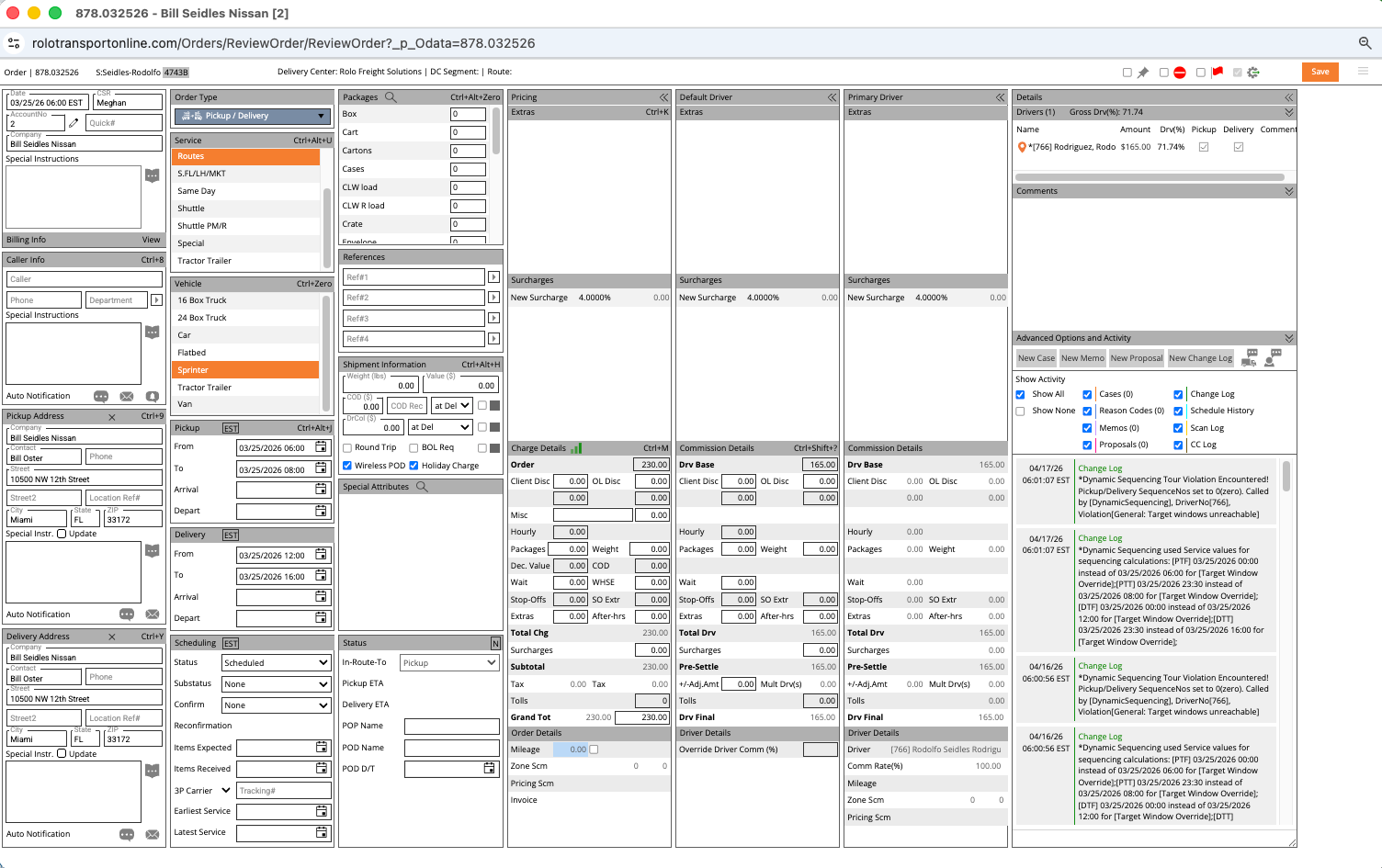
Case Management screen
This screen is used to track customer issues, delivery problems, driver issues, and operational follow-up tasks.
Step 2: Search for Existing Cases
Before creating a new case, always verify whether the issue already exists.
- Search using OrderTrackingId
- Filter by Driver, Account, or Status
- Review open and pending cases first
- Avoid creating duplicate cases
ROLO Standard:
One issue = one tracked case with one clear owner.
One issue = one tracked case with one clear owner.
Step 3: Create a New Case
If no case exists, create a new one immediately.
- Click Add New
- Select Client Case or Driver Case
Use:
- Client Case → customer issues, delivery concerns, complaints
- Driver Case → driver performance, operational, or route issues
Step 4: Enter Clear Case Details
Every case should clearly explain what happened and what needs to happen next.
- Enter the OrderTrackingId
- Select the correct Case Type
- Add detailed notes
- Set urgency or priority level
- Set a follow-up date
- Include customer communication details when relevant
Good Example:
“Customer reported damaged item during delivery. Photos requested from driver. Customer follow-up scheduled for tomorrow morning.”
“Customer reported damaged item during delivery. Photos requested from driver. Customer follow-up scheduled for tomorrow morning.”
Bad Example:
“Problem with order.”
“Problem with order.”
Step 5: Assign Responsibility
Every case must have a clearly assigned owner.
- Assign to dispatcher, manager, or support staff
- Ensure someone is accountable for follow-up
- Do not leave cases unassigned
- Clarify who owns the next action
Step 6: Track and Follow Up
Open cases should be reviewed throughout the day.
- Review open cases daily
- Check overdue follow-ups
- Update notes as progress happens
- Document customer communication
- Close cases only after full resolution
Important:
Do not rely on memory, texts, emails, or verbal conversations alone. If it requires follow-up, it belongs in Case Management.
Do not rely on memory, texts, emails, or verbal conversations alone. If it requires follow-up, it belongs in Case Management.
Best Practices
- Keep notes clear, professional, and specific
- Always include order references
- Set follow-up dates for every active case
- Update cases immediately after customer communication
- Close resolved cases promptly
- Use consistent documentation standards
Common Mistakes
- Handling issues without creating a case
- Leaving cases without an assigned owner
- Using vague notes
- Forgetting follow-up dates
- Closing cases too early
- Assuming someone else is handling the issue
What Happens If You Don’t:
Untracked issues lead to missed follow-ups, customer frustration, repeat calls, internal confusion, and weak accountability.
Untracked issues lead to missed follow-ups, customer frustration, repeat calls, internal confusion, and weak accountability.
Do it now: Create a test case for a recent delivery issue and assign a follow-up date and owner.
Success Check
- Open and search Case Management
- Create a new case correctly
- Assign a case owner
- Write professional follow-up notes
- Set follow-up dates properly
- Explain why issue tracking matters operationally
Strong operations track every issue. Nothing gets lost, and every problem gets resolved.