

Lesson 1: Xcelerator Login, Dashboard, and Main Dispatch Screens
Learn how to enter Xcelerator and find the main screens dispatch uses every day.
Why This Matters
Xcelerator is the main operations system used by ROLO dispatch and admin teams to manage drivers, orders, dispatch movement, route visibility, and operational support.
Step 1: Log Into Xcelerator
Start by opening Xcelerator and logging in with your assigned credentials.
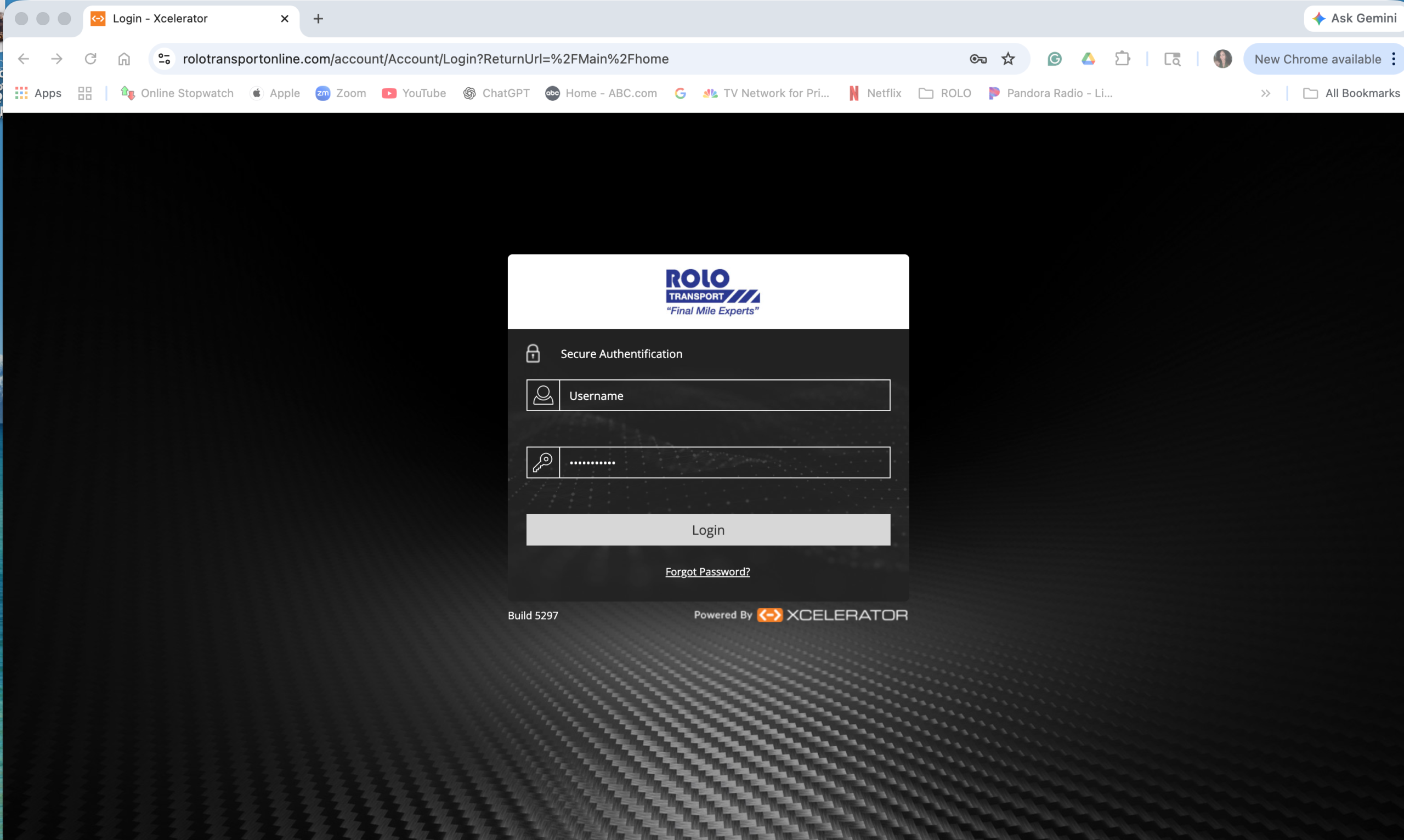
- Use your assigned login only
- Do not share passwords
- If login fails, stop and get help first
Step 2: Open the Main Dashboard
After login, go to the main dashboard. This is your operational starting point.
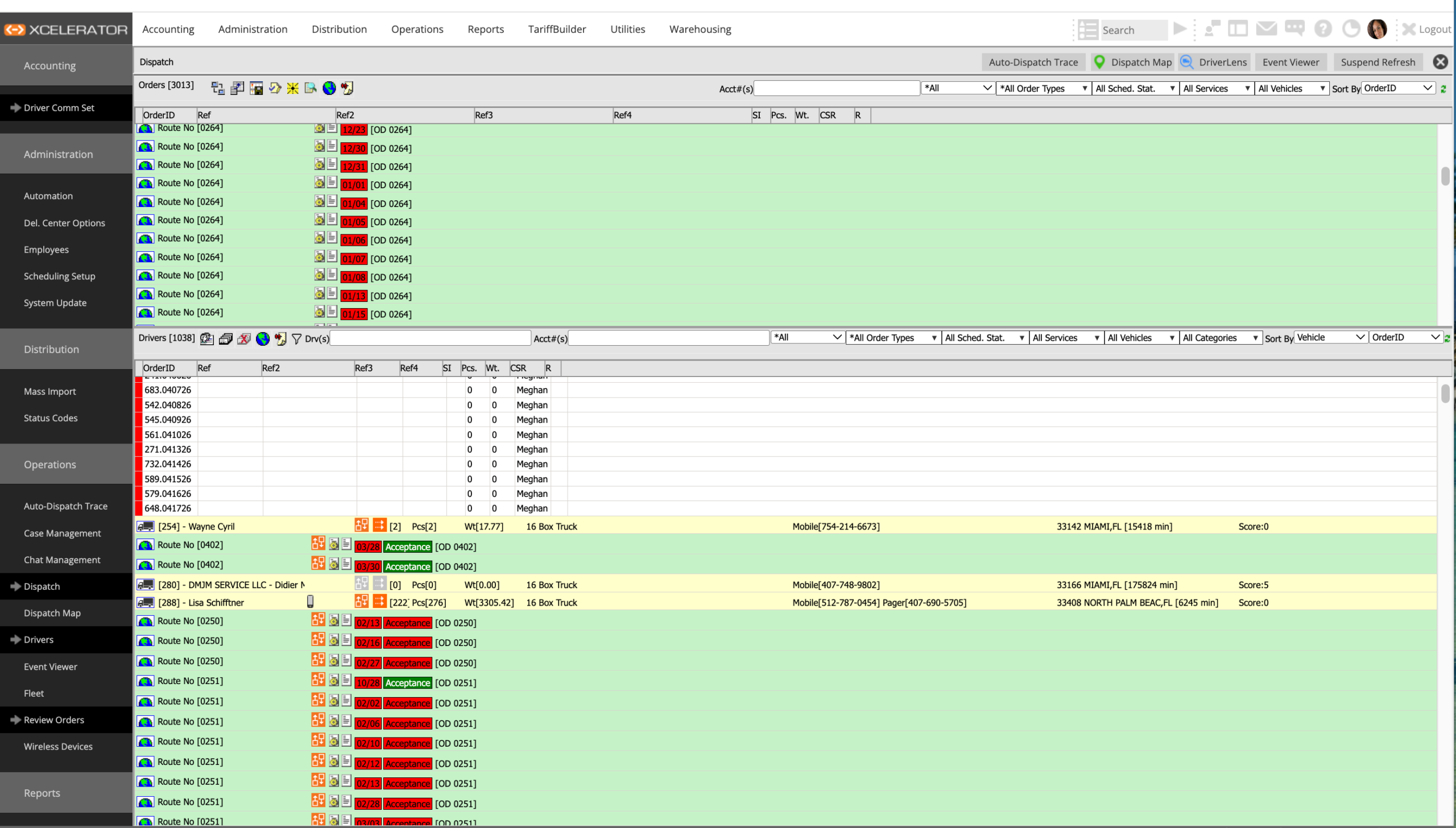
The dashboard helps dispatch move into the areas of Xcelerator used for live operations.
Step 3: Use the Navigation Pane
The navigation menu is how dispatch moves between work screens.
- Dispatch → live order assignment and route control
- Dispatch Map → visual map of active work
- Drivers → driver records and setup
- Review Orders → order search and order details
Step 4: Open the Dispatch Screen
This is one of the main live work screens for dispatchers.
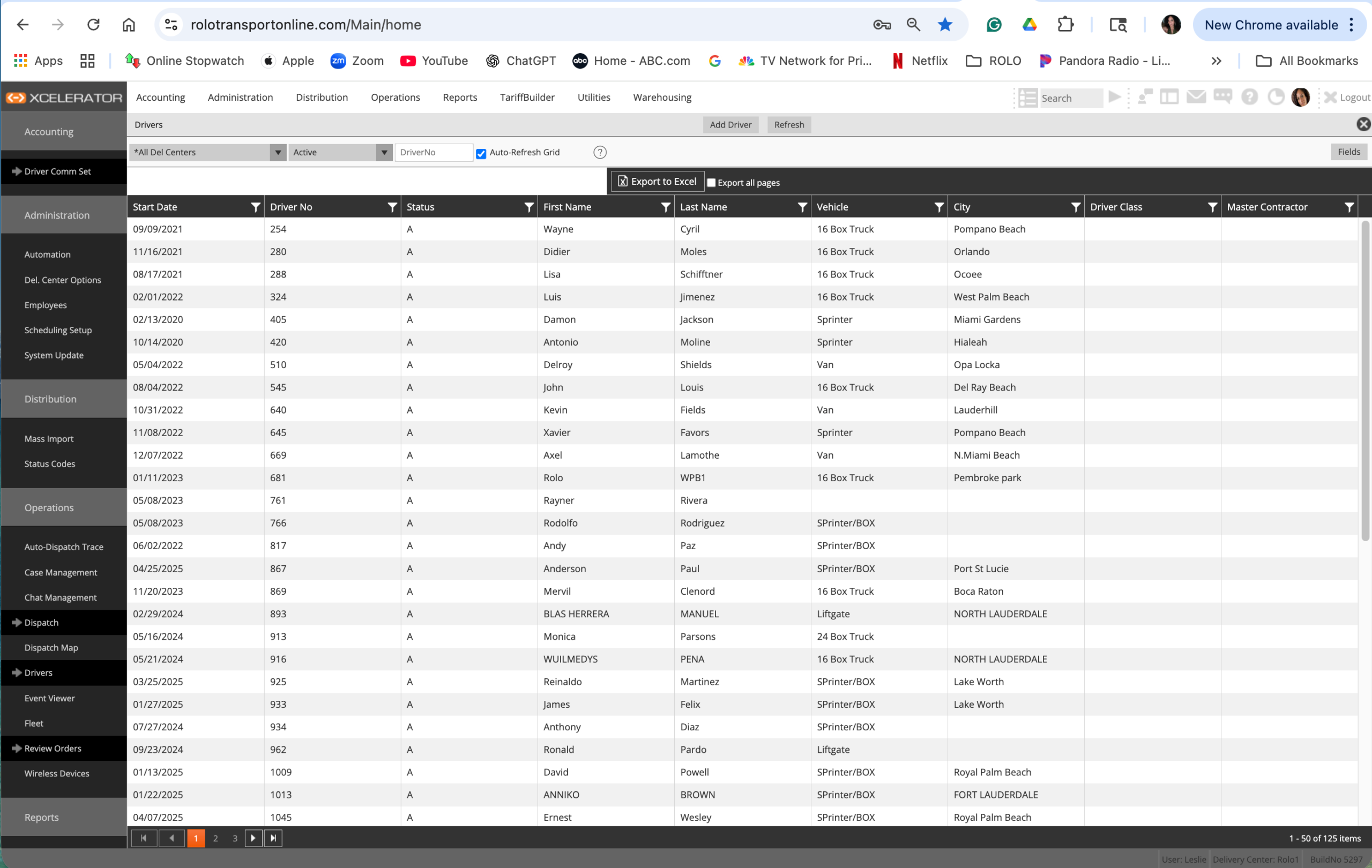
Use this screen to manage active work, assignments, route movement, and dispatch visibility.
Step 5: Open the Dispatch Map
The Dispatch Map helps dispatch see live operations visually.
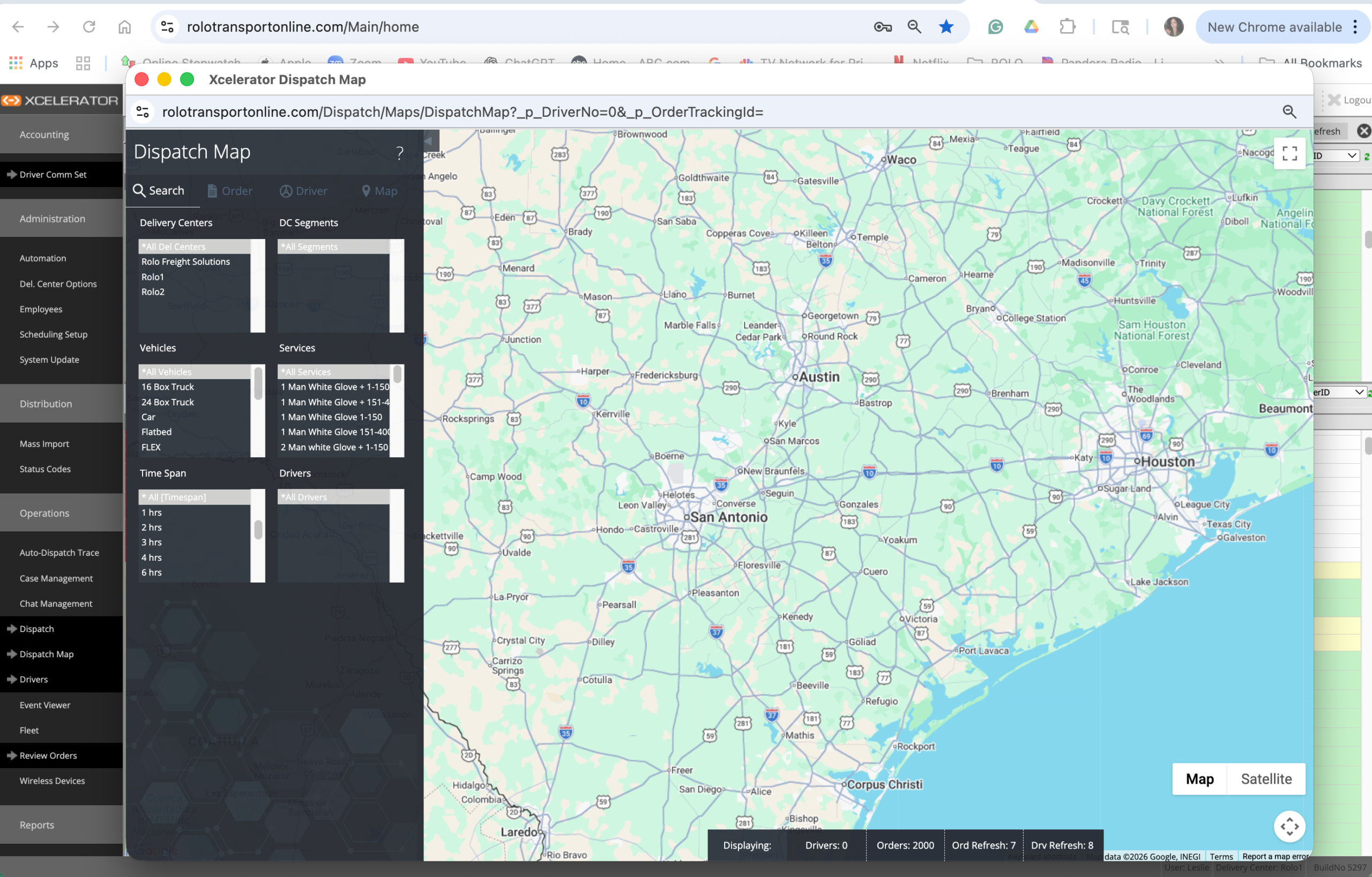
Use the map to see where work is happening and where support may be needed.
Step 6: Open the Drivers Screen
This is where dispatch and admin teams review and support driver records.
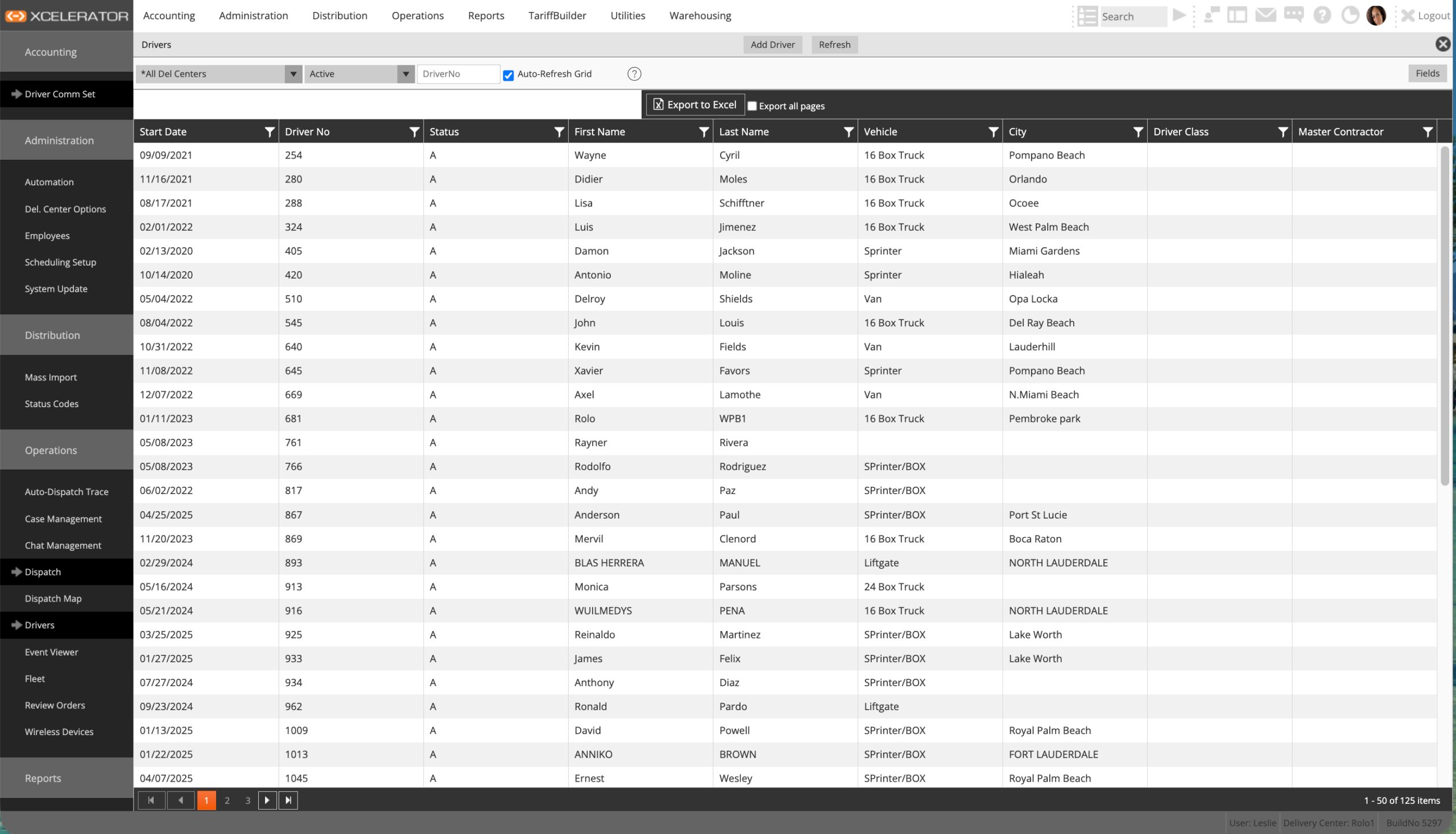
Use this screen when you need driver information, setup details, or support.
Step 7: Open Review Orders
This screen helps dispatch search and review order details.
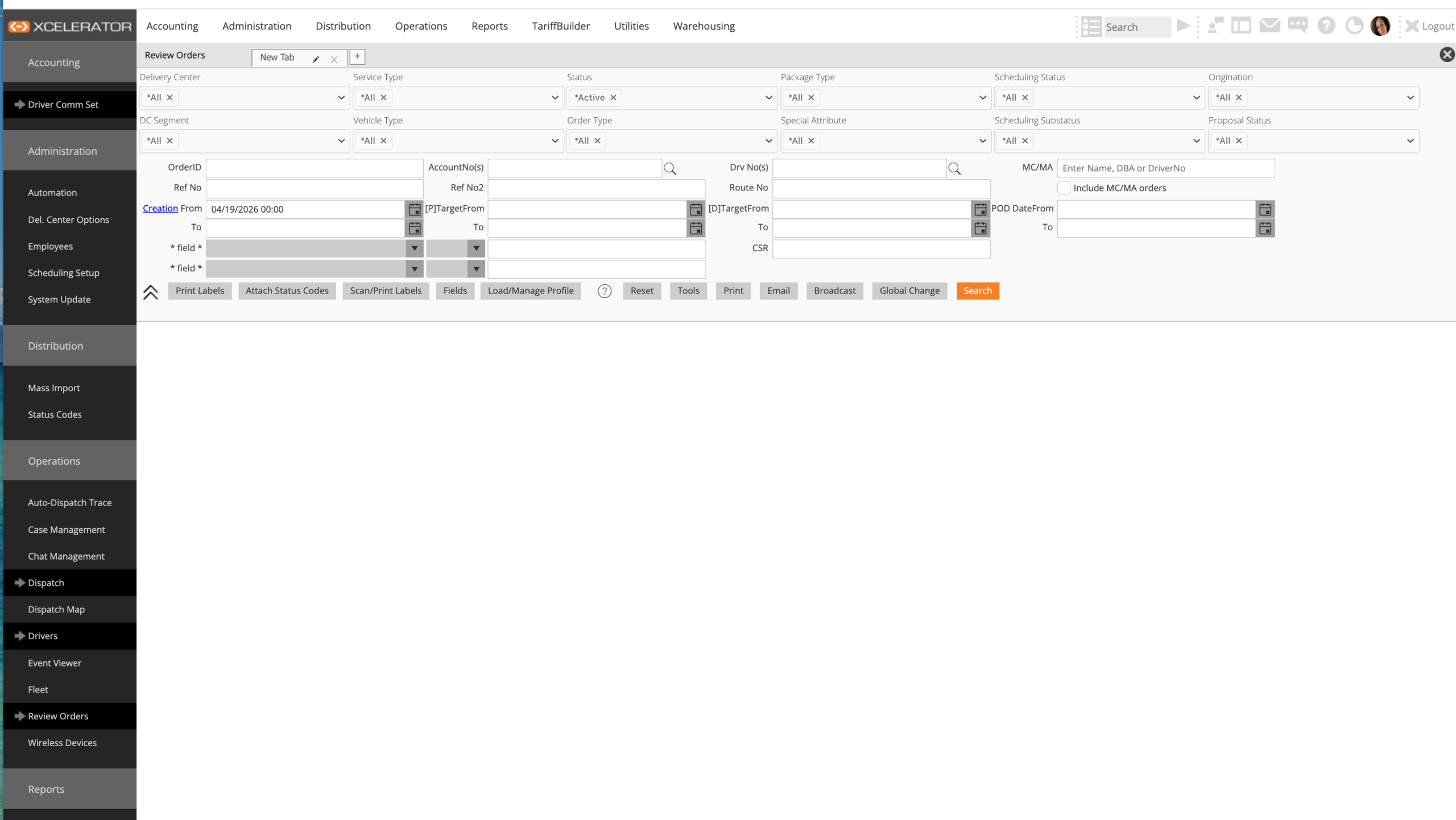
Use this screen to confirm order details, review jobs, and check order activity.
What Dispatch Should Know First
- Where live work is managed
- Where drivers are reviewed
- Where orders are searched
- Where the map view lives
Common Mistakes
- Clicking around without knowing the main work screens
- Trying to learn every menu at once
- Ignoring Dispatch, Drivers, Review Orders, and Dispatch Map
- Not knowing where live operations are managed
Success Check
- Log into Xcelerator without help
- Open the dashboard
- Find Dispatch, Dispatch Map, Drivers, and Review Orders
- Explain what each screen is used for
If you cannot access Xcelerator or cannot find the correct screen, contact your supervisor or admin lead before continuing.