

Lesson 2: Start of Day Dispatch Workflow
Learn what dispatch should check first each day before problems start building.
Why this matters: A clean start of day helps dispatch catch problems early, assign work faster, and prevent delivery issues later.
Step 1: Open Dispatch First
Start the day by opening the Dispatch screen.
Navigation → Dispatch
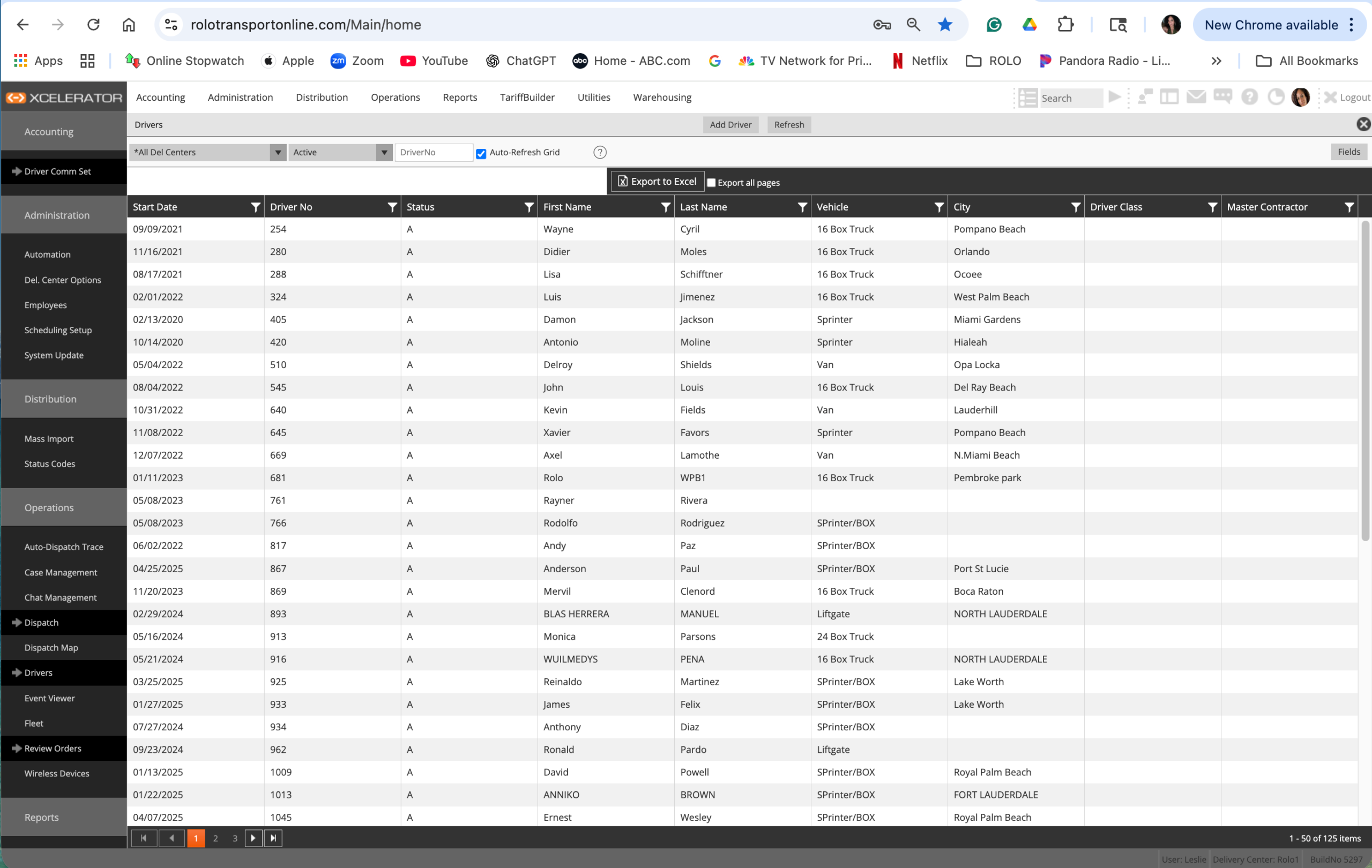
Dispatch screen
- Look for active work
- Check if orders are assigned
- Check if anything already looks delayed or unbalanced
Step 2: Review the Drivers
Dispatch needs to know which drivers are available and ready.
Navigation → Drivers
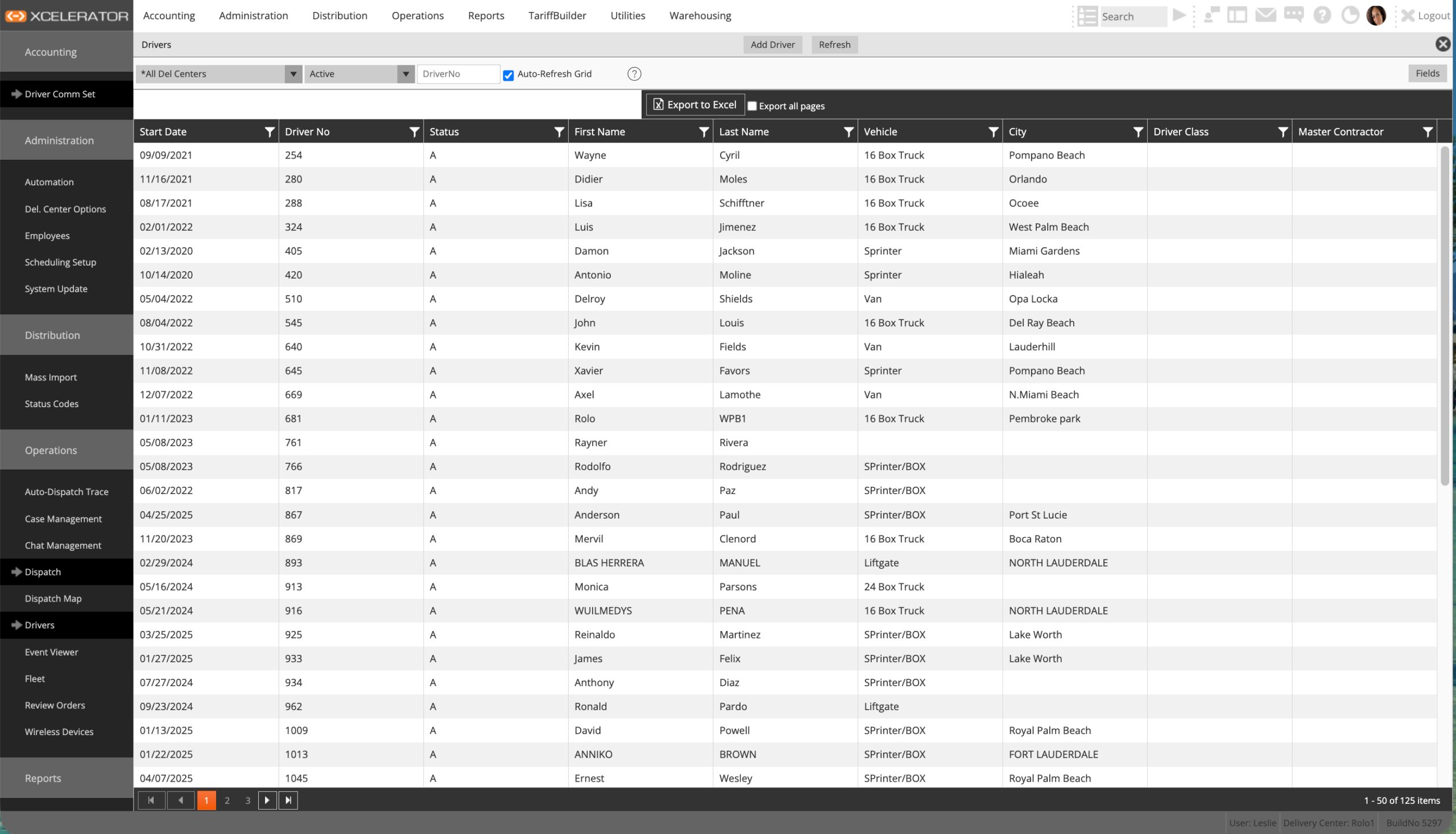
Drivers screen
- Confirm drivers are active
- Review who is available
- Check if any driver setup issue needs attention
Step 3: Review Orders That Need Attention
Dispatch should know what work needs to move first.
Navigation → Review Orders
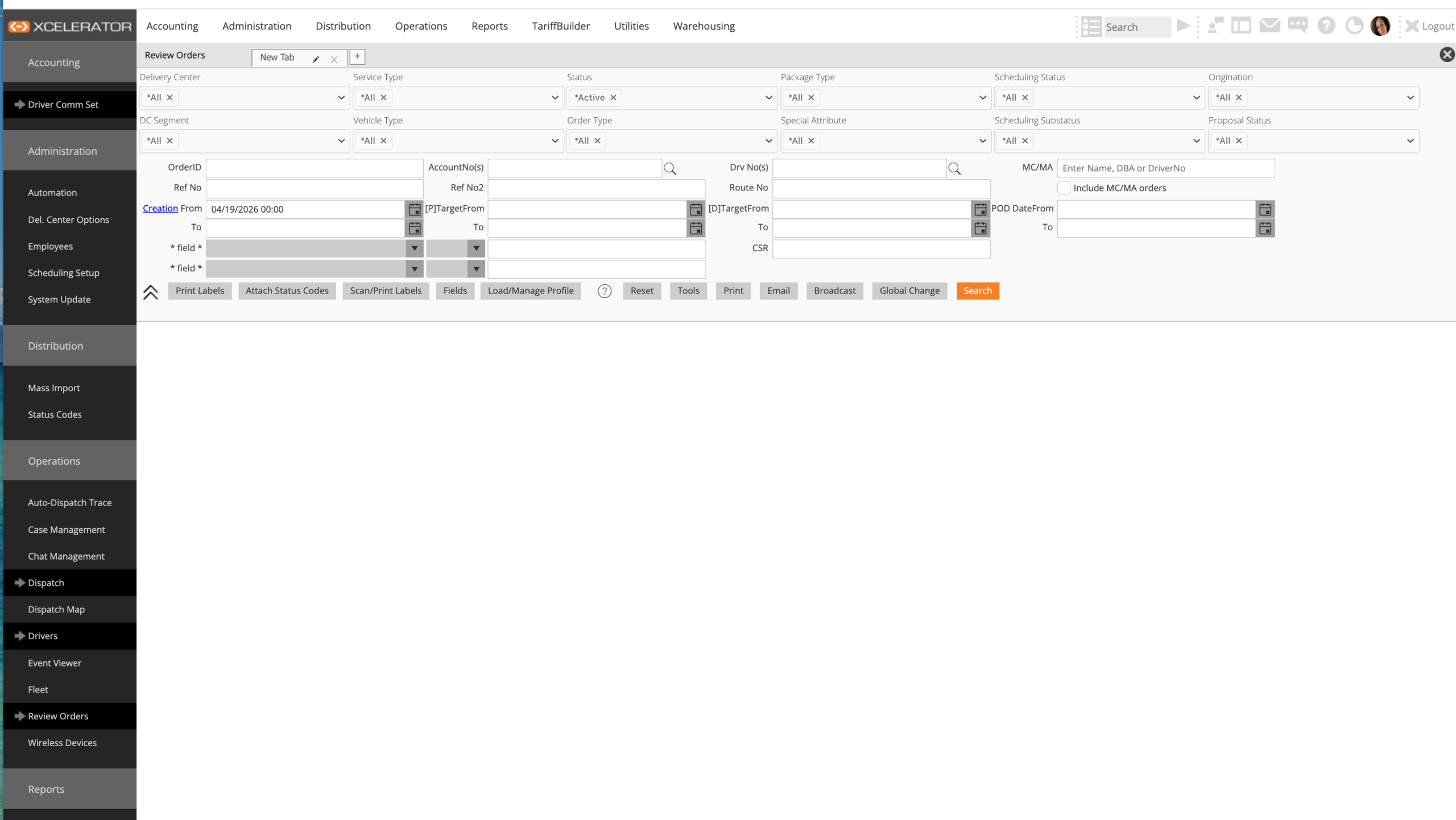
Review Orders screen
- Identify unassigned or urgent orders
- Check order details before assigning
- Review instructions, timing, and problems
Step 4: Use the Dispatch Map for Visibility
Use the map to see work visually and spot operational issues faster.
Navigation → Dispatch Map
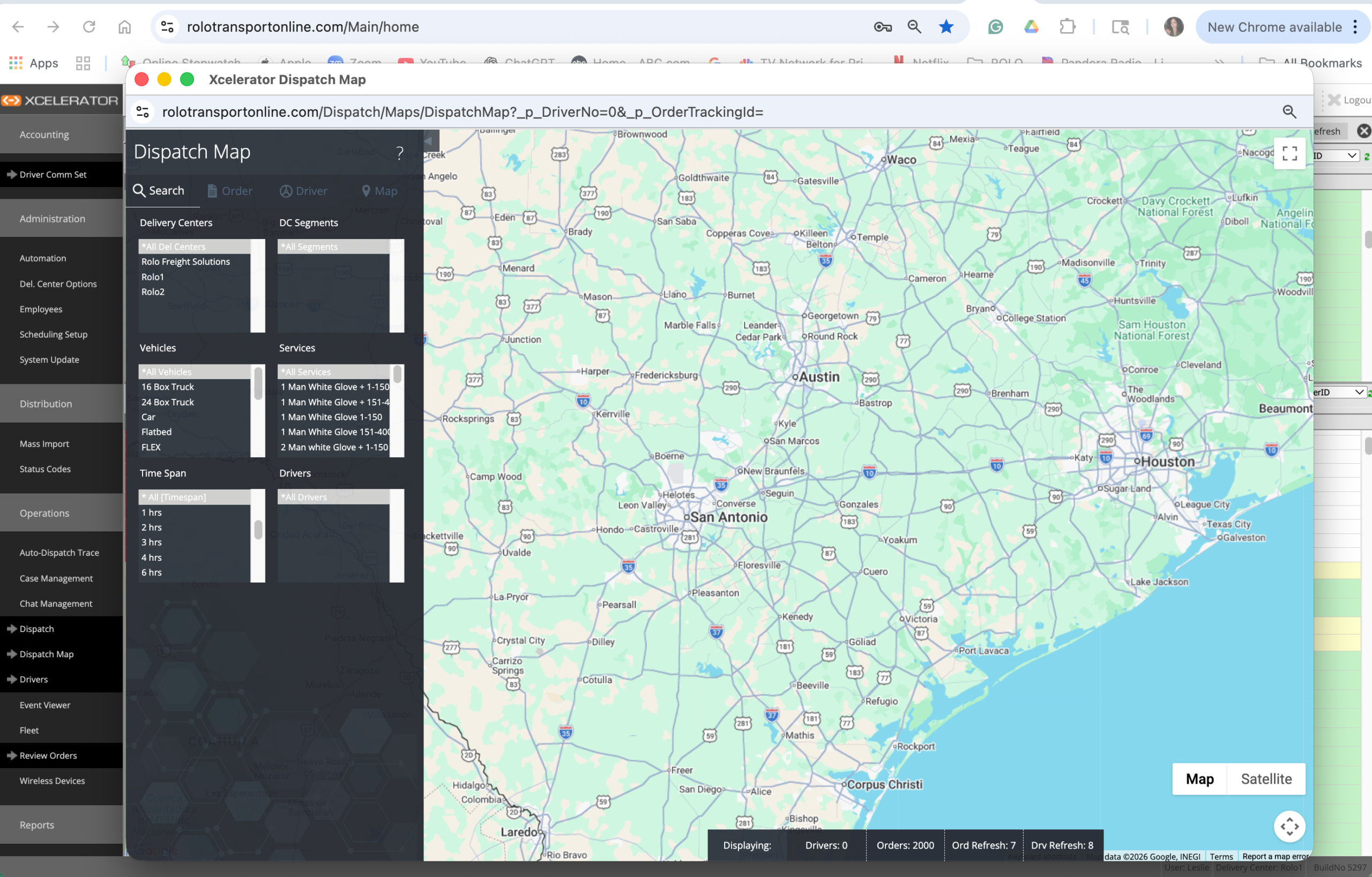
Dispatch map
- See where work is clustered
- Look for gaps in coverage
- Check if routes make sense visually
Step 5: Confirm the Day Is Under Control
Before the day gets busy, dispatch should be able to answer these questions:
- Are drivers ready?
- Are important orders assigned?
- Are there any obvious problems already showing?
- Does the work look balanced?
Common Mistakes
- Starting assignments without checking driver readiness
- Ignoring order details
- Not checking the map
- Waiting too long to catch early problems
Do it now: Open Dispatch, Drivers, Review Orders, and Dispatch Map in that order and check what needs attention first.
Success Check
- Know where to start at the beginning of the day
- Know how to check driver readiness
- Know how to review urgent orders
- Know how to use the map for visibility
Start clean. Check the right screens first. Control the day early.