
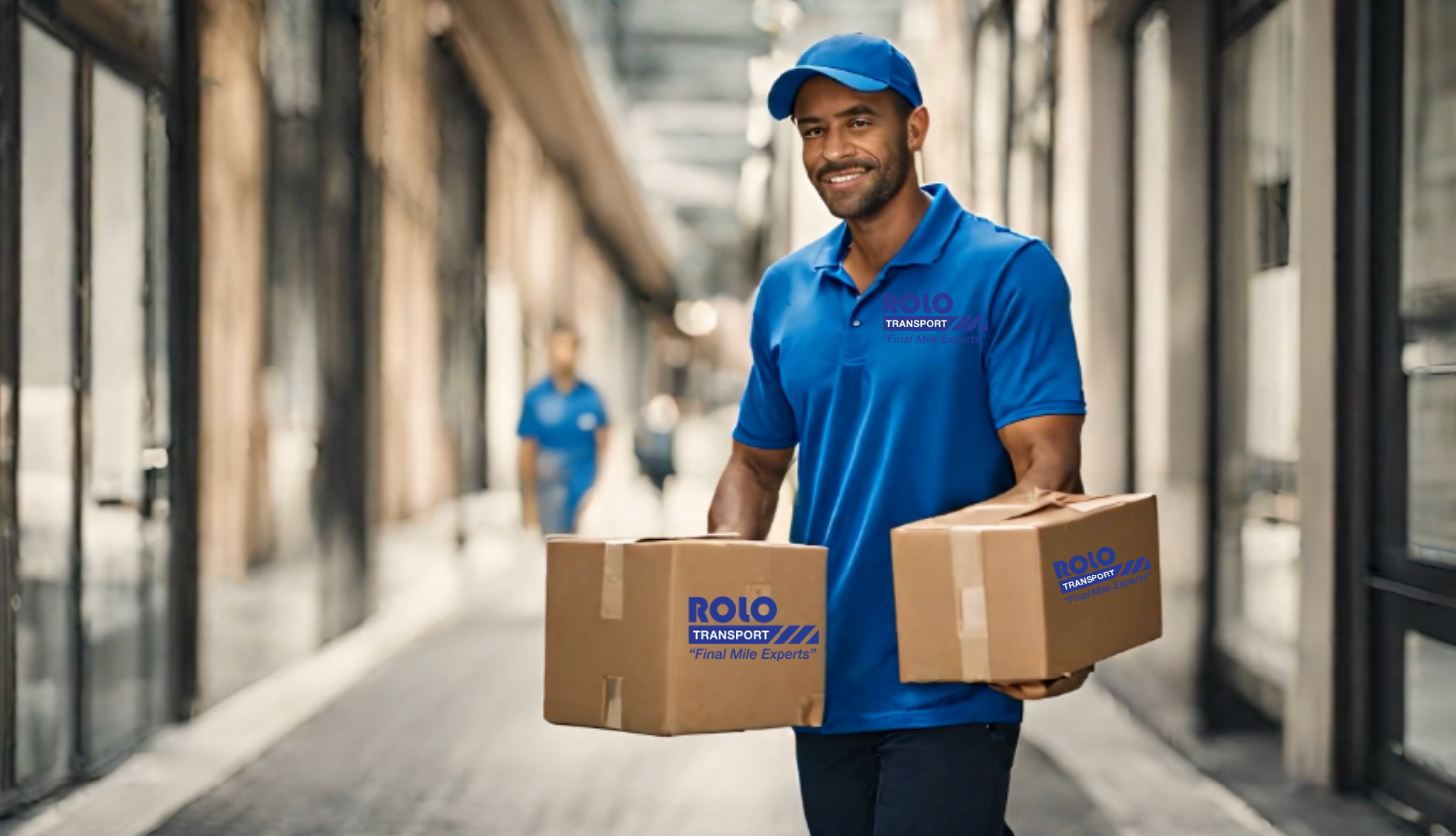
“`html
ROLO MobileTek Driver Training • Lesson 5 of 9
Lesson 5: Load Vehicle & Receive Packages
Verify, scan, organize, and load packages correctly before leaving for deliveries.
Every package must be properly received, verified, scanned, and loaded before leaving the warehouse.
Why This Matters
Loading and scanning packages correctly helps prevent missing deliveries, wrong packages, failed stops, customer complaints, and delivery disputes.
Review Route → Scan Packages → Verify Possession → Load Vehicle → Organize by Stop Order → Report Problems Before Leaving
What Happens During Loading
- Packages are assigned to your route
- You scan packages into your possession
- You verify the correct packages are loaded
- You organize packages for delivery order
- You prepare the vehicle for efficient deliveries
ROLO Standard:
Do not leave the warehouse until all assigned packages are scanned, verified, and organized correctly.
Do not leave the warehouse until all assigned packages are scanned, verified, and organized correctly.
Do These Steps
- Review your assigned route.
- Locate packages assigned to your stops.
- Scan packages into MobileTek.
- Verify each scan is accepted successfully.
- Load packages into the vehicle carefully.
- Organize packages by stop order when possible.
- Verify possession before departure.
- Report missing or incorrect packages before leaving.
Watch This Example: Load Vehicle Scan
Watch this walkthrough showing how to scan and load packages into your vehicle before beginning the route.
Watch This Example: Receive Scan
Watch this walkthrough showing how drivers receive packages into MobileTek before delivery.
Watch This Example: Possession View
Watch this walkthrough explaining how to review packages currently in your possession.
Do It Now:
- Verify all assigned packages are scanned
- Confirm possession is accurate
- Organize packages by stop order
- Check for missing or damaged packages before leaving
Best Practices
- Keep early stops near the front of the vehicle
- Group packages by stop or area
- Verify package labels while loading
- Double-check multi-package stops
- Keep fragile packages secure
- Review possession before departure
Common Mistakes
“`