

ROLO Transport
Service-First Logistics Operations
Lesson 2: Teams Chat
Quick Direct Communication
Purpose
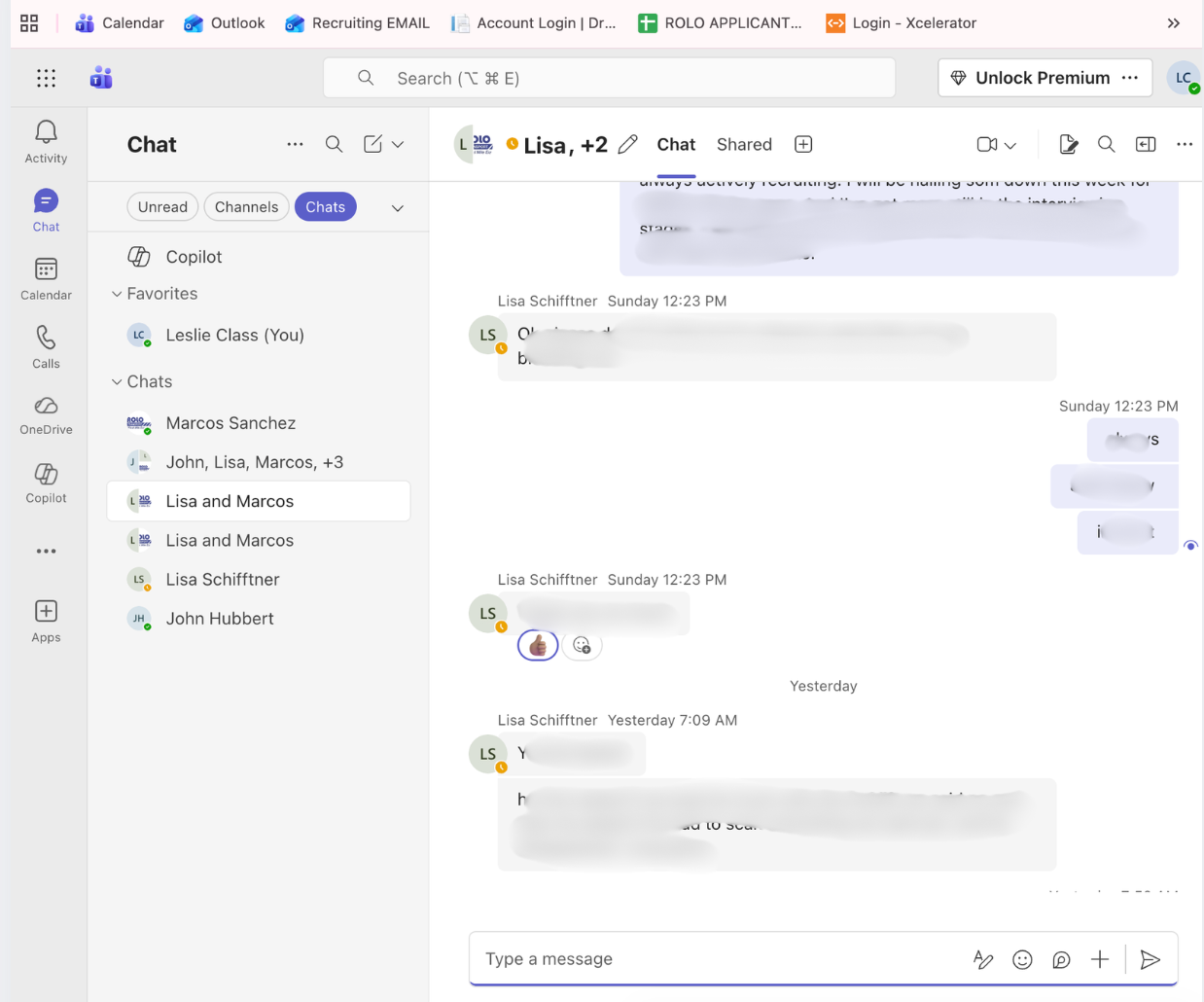
Teams Chat is used for fast, direct communication between individuals or small groups.
Use Chat For
- Quick questions
- Private conversations
- Small group coordination
- Fast clarification
How to Use
- Select the person or group you need to message
- Type a clear and simple message
- Explain the issue and what needs to happen next
- Follow up if no response during active work
Example Message
Example:
Driver Diego called out from Route 255.
Either assigning James as backup driver
or need assistance with coverage.
What this shows: Clearly explain the problem and either provide a solution or ask for help.
Common Mistakes
- Sending unclear or incomplete messages
- Not including route or job details
- Using chat when a channel should be used
- Delaying responses during active operations
ROLO Standard: Always include either a solution or a clear request for help. If more than one person needs visibility, move the communication to a channel.