

ROLO Transport
Service-First Logistics Operations
Lesson 5: OneDrive
Finding, Saving, and Sharing Files
Purpose
OneDrive is used to store, organize, and share files so they are easy to find and accessible to the right people.
Use OneDrive For
- Saving work documents
- Sharing files with team members
- Accessing files from any device
- Keeping important documents organized
How to Use
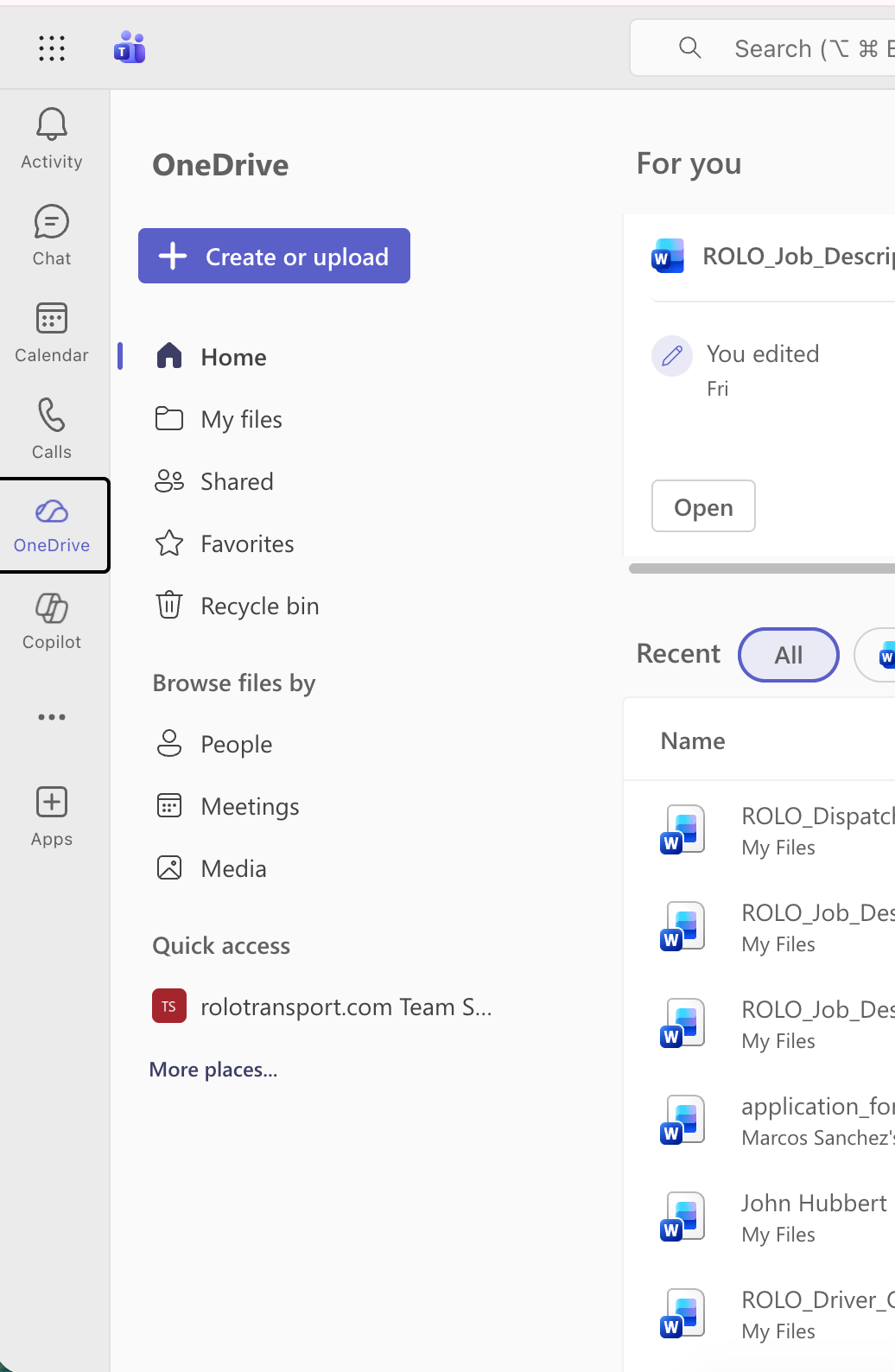
- Open OneDrive from the App Launcher or Teams.
- Navigate to the correct folder.
- Upload or create your file.
- Use the Share option to give access to others.
- Use links instead of sending duplicate files.
File Management Best Practices
- Use clear, descriptive file names
- Store files in the correct folders
- Avoid saving important files only in chat or email
- Keep documents organized for easy retrieval
Common Mistakes
- Uploading files without organizing them
- Saving files in random locations
- Sending multiple versions instead of sharing one file
- Relying on chat history to find documents
ROLO Standard: If a file may be needed later, it must be saved in the correct location — not buried in chat or email.