

ROLO Transport
Service-First Logistics Operations
Lesson 3: Teams Calendar
Meetings and Scheduling
Purpose
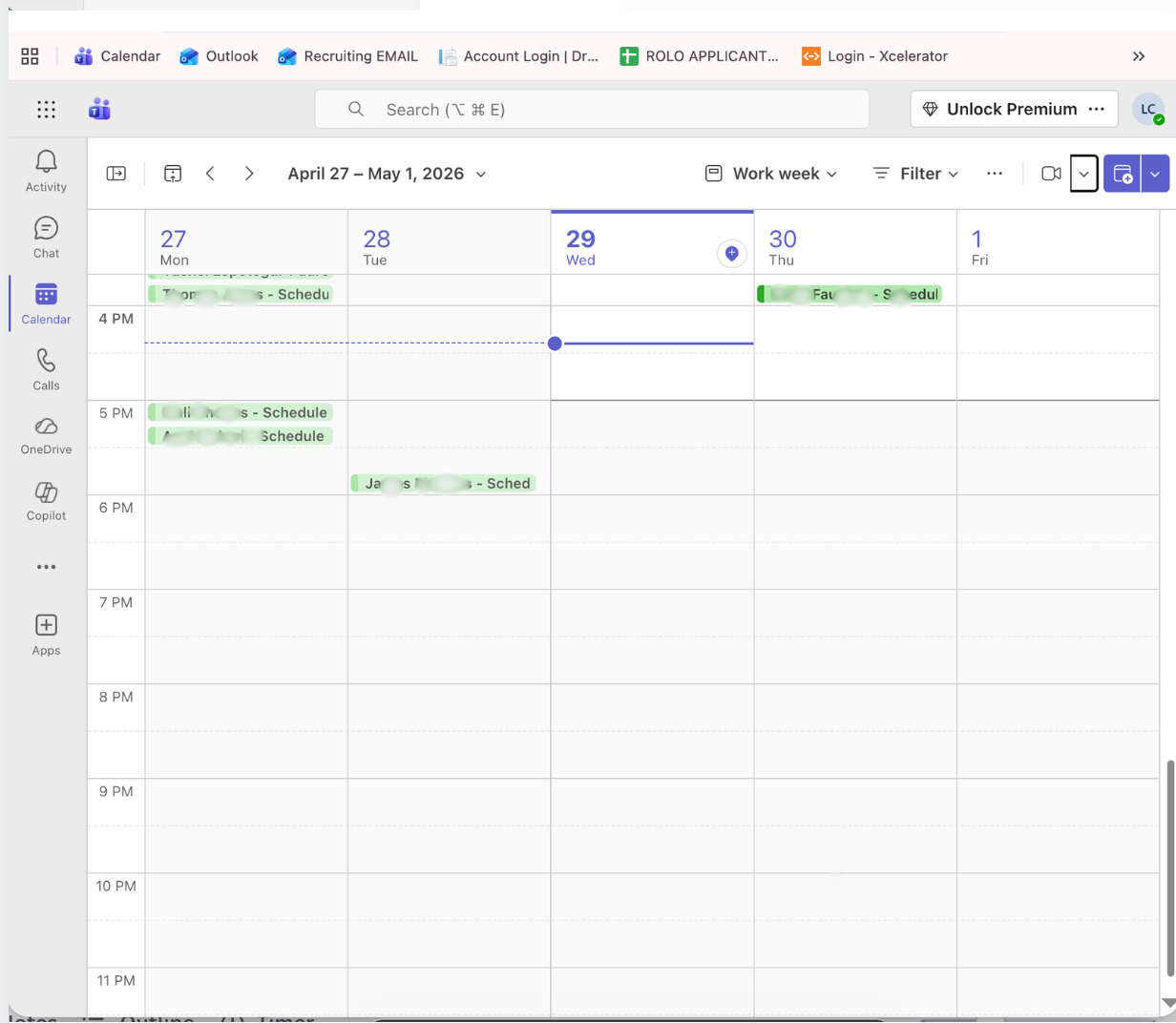
The Teams Calendar is used to view, schedule, and join meetings. It helps keep communication organized and ensures important discussions happen on time.
Daily ROLO Meetings
- 9:00 AM – Daily Operations Meeting
- 10:30 AM – Vendor Meeting (OD)
These meetings should already be on your calendar. Attendance is required and expected daily.
Expectations
- Be on time (join a few minutes early)
- Be prepared to speak and provide updates
- Know your current workload and responsibilities
- Come ready with any issues or concerns
What You Should Be Ready to Discuss
- Daily warehouse operations
- Any delivery issues or delays
- Problems that need attention
- Solutions or action plans
- Ways to improve delivery performance
Professional Meeting Etiquette
- Join on time and stay engaged
- Be clear and direct when speaking
- Do not interrupt others
- Stay focused on the topic
- Take notes on action items
Mindset Standard
- Maintain a positive and professional attitude
- Be proactive — do not wait to be asked
- Focus on solutions, not just problems
- Work toward improving delivery performance every day
How to Use the Calendar
- Open Teams and select Calendar
- Review your daily meetings
- Click the meeting to join on time
- Check meeting details for any notes or agenda
Common Mistakes
- Joining late or missing meetings
- Showing up unprepared
- Not contributing or participating
- Bringing problems without solutions
ROLO Standard: Meetings are for execution. Be prepared, be clear, and contribute to solutions that improve operations and delivery performance.