

ROLO DELIVERY QUICK CARD
MobileTek Driver Guide
Use this as a fast reference before and during your route.
1. Setup & Login
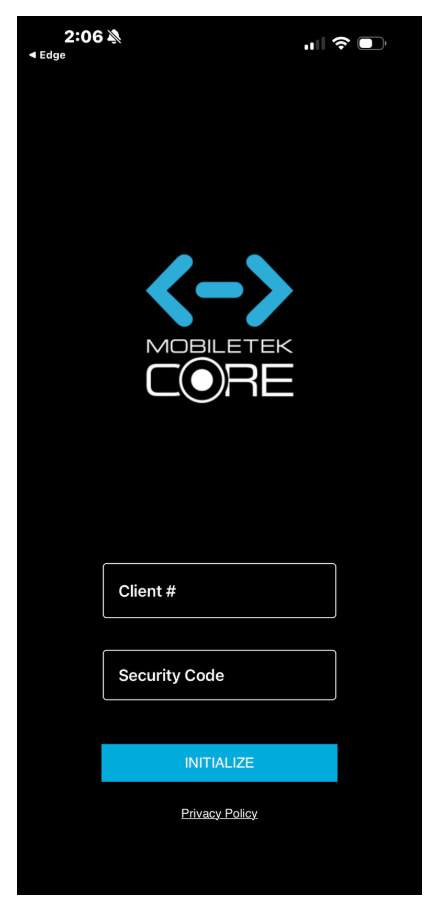
Client ID / Security Code
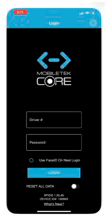
Driver ID / Password
- Enter Client ID: 471
- Enter Security Code: 466761
- Tap Initialize
- Enter Driver ID and Password
- Tap Login
2. Start of Day
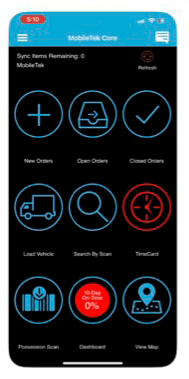
Dashboard / Daily Guide
- Tap New Orders
- Tap Accept All
- Open Open Orders
- Review stops before leaving
3. Use the Map
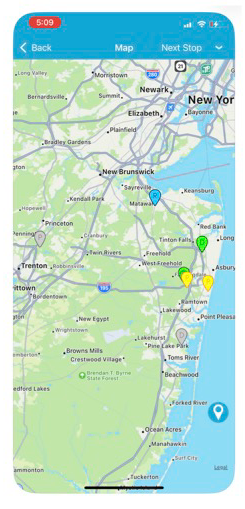
Map / Navigation
- Follow the stop order shown
- Use the map for directions
- Do not create your own route
4. At Every Stop
Arrive → Scan → POD → Complete
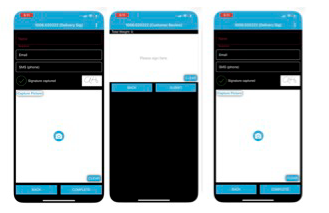
Scanning screen
- Arrive: Make sure you are at the correct location
- Scan: Scan every package
- POD: Take photo or signature
- Complete: Only complete after delivery is done
Do NOT skip scanning. If it is not scanned, it is not properly tracked.
5. If There Is a Problem
- Do NOT mark the stop complete
- Select the correct status
- Add clear notes
- Contact dispatch if needed
If it is not scanned, documented, and completed in MobileTek — it does NOT count.